AI hiring automation is changing how recruiting teams source, screen, and schedule candidates. Instead of spending hours on repetitive tasks, teams can use AI to speed up hiring, improve consistency, and give candidates a better experience.
For recruiters under pressure to fill roles faster, this shift matters. It reduces manual work, helps teams focus on high-value conversations, and creates a more scalable hiring process. In this guide, you’ll learn how AI hiring automation works, what to automate first, and how to use it without losing the human touch.
What is AI hiring automation?
AI hiring automation is the use of intelligent software to handle repetitive recruiting tasks such as sourcing, screening, scheduling, and follow-ups. It combines machine learning, natural language processing, and recruitment workflow automation to move candidates through the process more efficiently.
Unlike basic automation, AI can understand context, match profiles more accurately, and adapt based on patterns in your hiring data. That makes it useful for both high-volume hiring and specialized roles.
Common tasks AI can automate
Candidate sourcing across job boards and talent pools.
Resume parsing and profile matching.
Interview scheduling and reminders.
Candidate communication and follow-ups.
Initial screening and qualification.
Workflow updates inside your ATS.
Why recruiting teams use it
Recruiting teams use AI workflow tools because hiring is often slowed down by repetitive tasks and disconnected systems. Manual screening, back-and-forth scheduling, and inconsistent communication can create bottlenecks.
AI helps teams move faster while keeping the process organized. It also improves candidate experience by responding quickly and reducing delays.
Main benefits
Faster time-to-hire.
Better recruiter productivity.
More consistent candidate evaluation.
Improved communication with applicants.
Lower risk of missed follow-ups.
More time for strategic hiring decisions.
How AI hiring automation works
An AI agent for hiring candidates can act like a digital assistant inside the recruiting process. It can scan incoming applications, compare profiles to job requirements, and trigger next steps automatically.
A strong setup usually connects your ATS, calendar, email, and sourcing tools into one AI workflow. That allows the system to move candidates from one stage to the next with minimal manual effort.
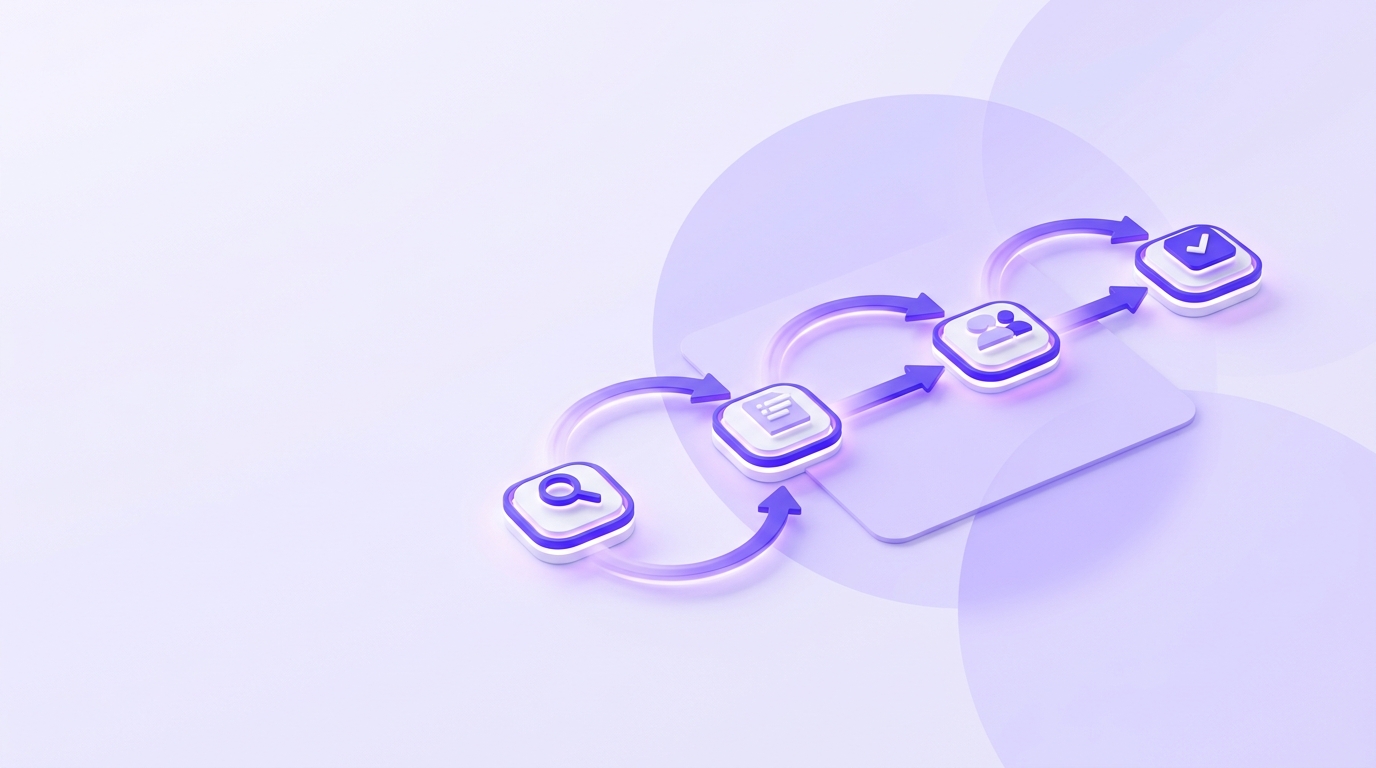
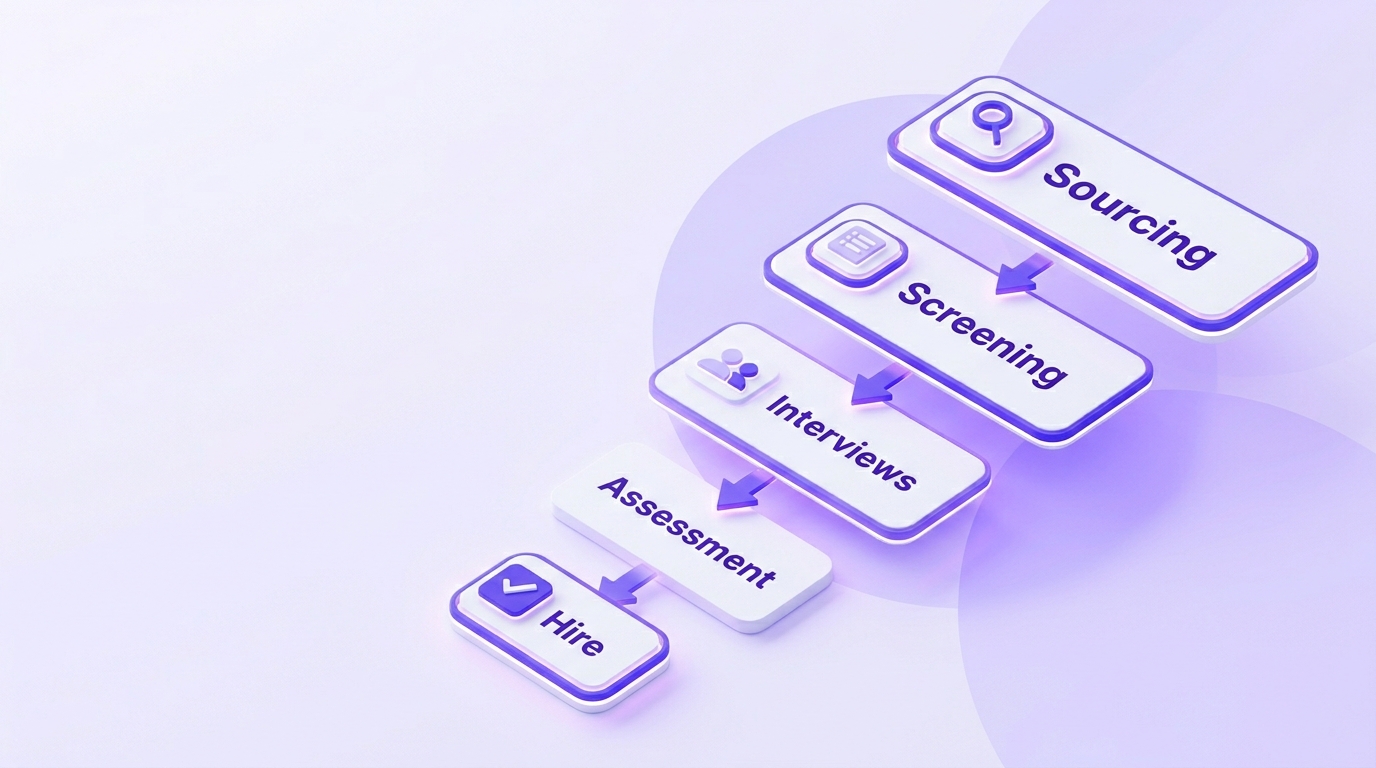
Example workflow
A role is opened in the ATS.
AI sources candidates based on skills and experience.
Profiles are ranked against the job description.
Qualified candidates receive outreach.
Interview slots are shared automatically.
The recruiter reviews shortlisted candidates.
What to automate first
Not every part of recruiting should be automated at once. The best approach is to start with tasks that are repetitive, time-consuming, and low-risk.
That way, your team can see value quickly without disrupting the hiring process.
Best starting points
Interview scheduling.
Resume parsing.
Candidate follow-up emails.
Status updates and reminders.
Initial screening questions.
What to keep human
AI is powerful, but recruiting still needs human judgment. Final hiring decisions, culture fit discussions, and relationship building should stay with recruiters and hiring managers.
A good rule is to automate the work around hiring, not the decision itself. That balance keeps the process efficient and personal.
Best practices for recruiting teams
To get the most from AI hiring automation, start with a clear process map. Identify where your team loses the most time, then apply automation to those points first.
You should also track metrics such as time-to-hire, response rate, and candidate drop-off. Those numbers will show whether your AI workflow is actually improving performance.
Practical tips
Clean up your recruiting data before implementation.
Use clear job descriptions for better matching.
Review AI recommendations regularly.
Keep communication personalized.
Test automation on one role or department first.
Common challenges
The biggest challenges are poor data quality, over-automation, and weak integration with existing tools. If your ATS is messy or your job descriptions are vague, AI results will be less accurate.
There is also a risk of making the process feel impersonal. The solution is to use AI for speed and structure while keeping human interactions meaningful.
How Whitecarrot.ai helps
Whitecarrot.ai can support recruiting teams looking to build a smarter AI workflow. It helps automate repetitive parts of hiring while keeping the process more organized and scalable.
For teams that want to improve recruitment workflow automation without adding complexity, Whitecarrot.ai can help streamline candidate handling, reduce manual effort, and support faster decisions.
Why teams explore Whitecarrot.ai
Faster recruiter operations.
Better workflow consistency.
Less manual coordination.
More time for candidate engagement.
A scalable approach to AI-driven hiring.
Conclusion
AI hiring automation is no longer a future concept. It is a practical way for recruiting teams to hire faster, reduce manual work, and improve the candidate experience.
If your team is ready to move beyond repetitive tasks and build a more efficient hiring process, Whitecarrot.ai is worth exploring as an AI-powered solution for modern recruiting teams. Whitecarrot.ai can help you streamline workflows and create a more effective hiring engine.
Frequently Asked Questions
Common questions about this topic answered below.
What is AI hiring automation?
AI hiring automation uses software to handle repetitive recruiting tasks like sourcing, screening, scheduling, and follow-ups.
Is AI hiring automation safe to use?
Yes, when configured properly. Recruiters should review outputs, ensure data quality, and keep human oversight in final decisions.
What tasks should recruiters automate first?
Start with scheduling, screening questions, resume parsing, and follow-up communication.
How does AI improve recruitment workflow automation?
It connects tasks across the hiring funnel, reduces delays, and keeps candidate movement consistent and organized.
Table of Content
Skip the hiring hassle
See how Whitecarrot helps you source, screen, and hire faster with AI.