Bringing an AI hiring agent for Microsoft Teams into your stack is one of the fastest ways to cut time‑to‑hire, reduce manual admin, and give candidates a smoother experience. With Teams already embedded in daily work for millions of employees, it is the perfect place for recruiters and hiring managers to collaborate on interviews, feedback, and hiring decisions. Microsoft Teams centralizes chat, meetings, and app integrations, making it a natural hub for recruitment workflows.
At the same time, adoption of AI in recruiting has surged, with studies showing that AI tools are now mainstream in talent acquisition rather than experimental add‑ons. In this guide, you will learn what an AI hiring agent for Microsoft Teams is, why it matters, and how to integrate it step by step - plus how Whitecarrot.ai can help you launch it without heavy engineering.
What is an AI hiring agent for Microsoft Teams?
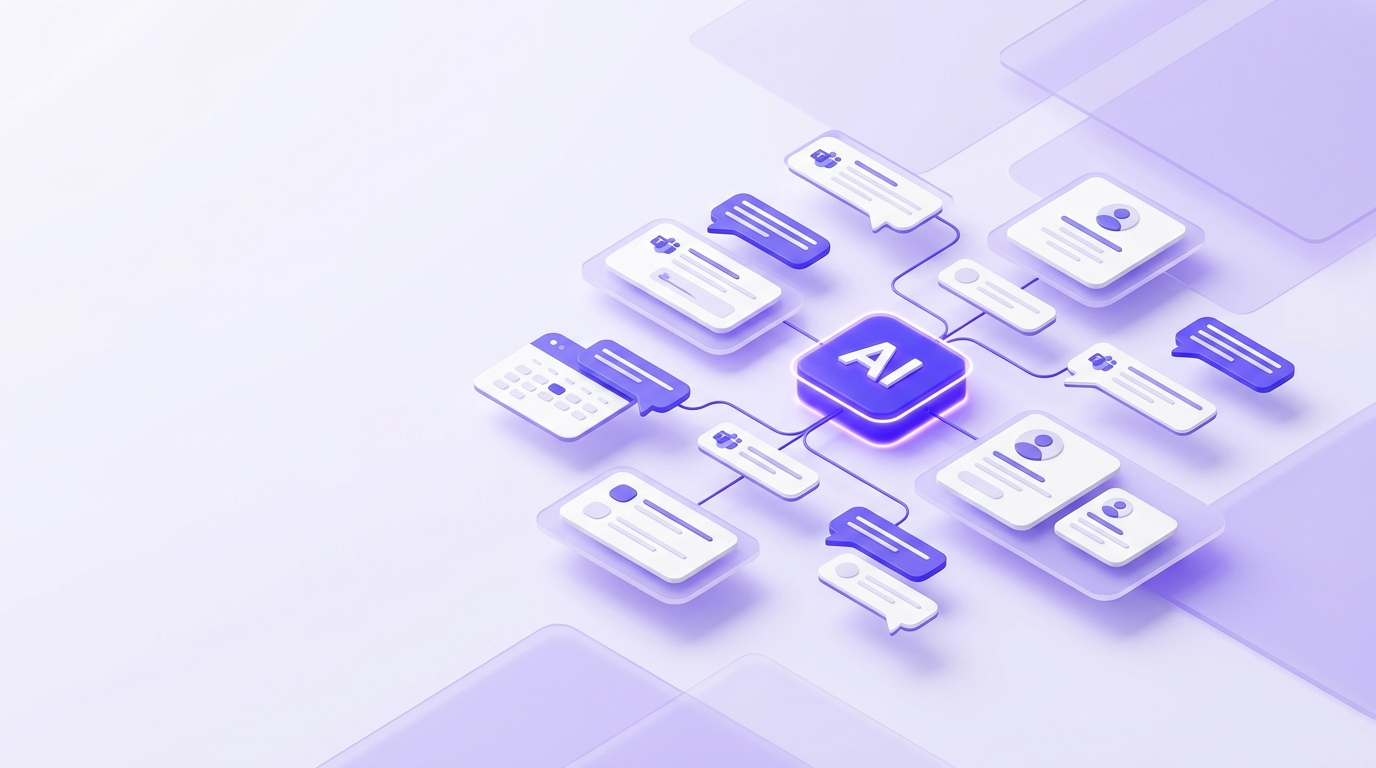
An AI hiring agent for Microsoft Teams is a bot or intelligent agent that lives inside Teams and automates key recruiting tasks such as interview scheduling, interview reminders, feedback collection, and basic candidate communication. It interacts with users through Teams chat and meetings using natural language, similar to other Teams bots Microsoft describes in its platform documentation.
Behind the scenes, the agent connects to your ATS or AI recruitment platform (for example, an AI‑driven recruiter like Whitecarrot.ai) to read job data, candidate profiles, calendars, and feedback, then act on that information in real time. This is part of a broader shift where AI is now used by a large share of organizations for HR and recruiting tasks to streamline hiring.
Why bring AI recruitment into Microsoft Teams?
Benefits for recruiters and talent teams
Microsoft Teams is already a central hub for collaboration, chat, and video meetings, and it supports rich app and bot integrations. Adding an AI hiring agent into that environment removes context switching - recruiters can trigger workflows, review interview plans, and nudge interviewers without leaving Teams.
Recruiting add‑ons and AI scheduling tools that integrate with the Microsoft 365 stack have shown that interview coordination, meeting link generation, and feedback capture can all be handled automatically across Outlook and Teams, drastically reducing manual scheduling bottlenecks. Industry research also shows that AI and automation are now used by nearly all talent acquisition teams to streamline repetitive hiring tasks.
Benefits for hiring managers and candidates
For hiring managers, an AI hiring agent for Microsoft Teams means they can receive interview reminders, structured feedback forms, and candidate summaries directly in the channels they already use with their teams. Existing solutions that embed recruiting workflows into Teams show how feedback collection and decision‑making can happen in one place instead of fragmented tools.
For candidates, AI‑driven scheduling and automatic Teams link generation create a smoother experience with fewer reschedules and mistakes. As AI adoption in recruiting grows, candidate experience has become a key differentiator, with top‑performing teams more likely to use AI to improve communication and reduce delays.
How an AI hiring agent integrates with Microsoft Teams
At a high level, integrating an AI hiring agent for Microsoft Teams involves combining Teams’ bot framework with your recruitment platform or ATS. Microsoft describes Teams bots as applications that can use AI or rules to interpret user messages and respond via chat or actions. Many AI agent platforms, including Oracle’s AI Agent Studio and others, use a similar pattern: register a bot in Azure, package it as a Teams app, and connect it securely to the AI backend.
Below is a simplified, vendor‑agnostic integration flow you can adapt for your own AI recruitment Microsoft stack.
1. Prepare your Microsoft 365 and Teams environment
Before building or installing an AI hiring agent, confirm you have:
An active Azure subscription and Microsoft 365 tenant.
Permission to create Azure Bot resources and manage custom apps in the Teams admin center.
A clear Teams structure (teams and channels) where recruiting conversations and interview coordination will live, which also helps when you automate notifications.
2. Register and configure your Teams bot
Most AI hiring agents for Microsoft Teams use an Azure Bot as the secure relay between Teams and the AI service. Microsoft and partner guides outline a similar pattern:
In the Azure portal, create a new Azure Bot resource and configure its messaging endpoint (this usually points to your recruitment platform or a middleware service).
Set authentication via Microsoft Entra ID to ensure only authorized users and tenants can access the bot.
Generate or update the Teams app manifest so that the bot appears as a Teams app (with icons, name, and permissions).
Once packaged, you upload the app to the Teams admin center so it can be installed by users or pinned for recruiting teams.
3. Connect the bot to your ATS or AI recruitment platform
For Microsoft Teams recruitment to be effective, the AI hiring agent must connect to your core hiring systems - ATS, CRM, and AI recruitment platform. Existing solutions show how this connection allows scheduling, feedback, and candidate data to flow seamlessly:
Use APIs, webhooks, or native connectors to sync jobs, candidates, interview plans, and calendars.
Configure which events should trigger Teams notifications (for example, “interview requested,” “feedback overdue,” or “candidate moved to offer”).
Map permissions so that hiring managers can only see candidates and roles they are authorized to access.
4. Test and roll out for hiring teams
After integration, run a pilot with one or two hiring teams to validate the experience. Guides on Teams bots and AI agents recommend testing in a small group first to iron out authentication, permissions, and message formatting issues.
Collect feedback on:
How intuitive it is to request interviews via Teams.
Whether interviewers receive feedback prompts at the right time.
Any gaps in Microsoft Teams recruitment workflows that still require manual work.
Once refined, you can roll out the AI hiring agent across departments with clear training and playbooks.
Best practices for Microsoft Teams recruitment with AI
To get the most from an AI hiring agent for Microsoft Teams, keep these best practices in mind:
Start with one high‑value workflow. Interview scheduling and feedback collection are ideal first candidates because they cause frequent delays and are highly automatable.
Design structured feedback. Use consistent scoring rubrics and question templates so your AI can capture comparable data across interviews, as seen in modern recruiting add‑ons and AI tools.
Keep communication human. Let the AI handle logistics (links, reminders, summaries) while recruiters and managers focus on relationship‑driven conversations. Industry commentary stresses that AI should augment, not replace, human judgment in hiring.
Monitor performance. Track time‑to‑interview, time‑to‑hire, candidate drop‑off, and interviewer responsiveness using analytics connected to Teams.
How Whitecarrot powers an AI hiring agent for Microsoft Teams
Whitecarrot.ai is an end‑to‑end AI‑powered recruitment platform that runs every step of hiring - from planning to offer - so your team can hire faster and more fairly. Its AI hiring agent already automates scheduling, multi‑stage interview coordination, and structured feedback, while integrating with major video platforms including Microsoft Teams.
With Whitecarrot’s AI hiring agent for Microsoft Teams, you can:
Automatically generate Teams meeting links for every interview, send them to candidates and interviewers, and attach them to the candidate profile without manual work.
Let candidates self‑schedule based on real‑time interviewer availability, reducing back‑and‑forth and dropped interviews.
Trigger structured feedback forms right after each Teams interview, tied to competencies in your hiring plan, and collect ratings and hire/no‑hire signals in one place.
Combine AI notetaking and transcription with your feedback data so debriefs are clearer and faster.
Because Whitecarrot centralizes your entire AI recruitment Microsoft stack, connecting it to Teams turns the collaboration tool your hiring managers live in into a true command center for recruitment.
Frequently Asked Questions
Common questions about this topic answered below.
Is an AI hiring agent for Microsoft Teams secure?
Yes - when implemented correctly, the agent uses Microsoft Entra ID for authentication and follows your organization’s security and compliance policies, similar to other Teams apps. You should review permissions, data access, and logging with IT to ensure that candidate data and interview details are handled appropriately.
What recruitment tasks can an AI hiring agent automate in Teams?
Common use cases include interview scheduling, generating Teams links, sending reminders, coordinating reschedules, and pushing structured feedback forms after interviews. More advanced agents can also summarize interviews, surface candidate insights, and track interviewer workload and candidate experience metrics.
How do I measure ROI from AI recruitment Microsoft integrations?
Track time‑to‑hire, time‑to‑interview, candidate satisfaction, interviewer responsiveness, and the percentage of interviews scheduled or rescheduled automatically. Compare these metrics before and after deploying your AI hiring agent for Microsoft Teams to quantify productivity gains and candidate experience improvements.
Will an AI hiring agent for Microsoft Teams work with our existing tools?
In most cases, yes. AI recruitment platforms and Teams bots are designed to integrate with common ATS, HRIS, and calendar systems via APIs, webhooks, or native connectors, so you can synchronize jobs, candidates, and interview schedules without rebuilding your stack from scratch. Before rollout, confirm with your vendor which ATS and productivity tools they support, and run a small pilot to validate that data moves reliably between your existing systems and Microsoft Teams.
Table of Content
Skip the hiring hassle
See how Whitecarrot helps you source, screen, and hire faster with AI.